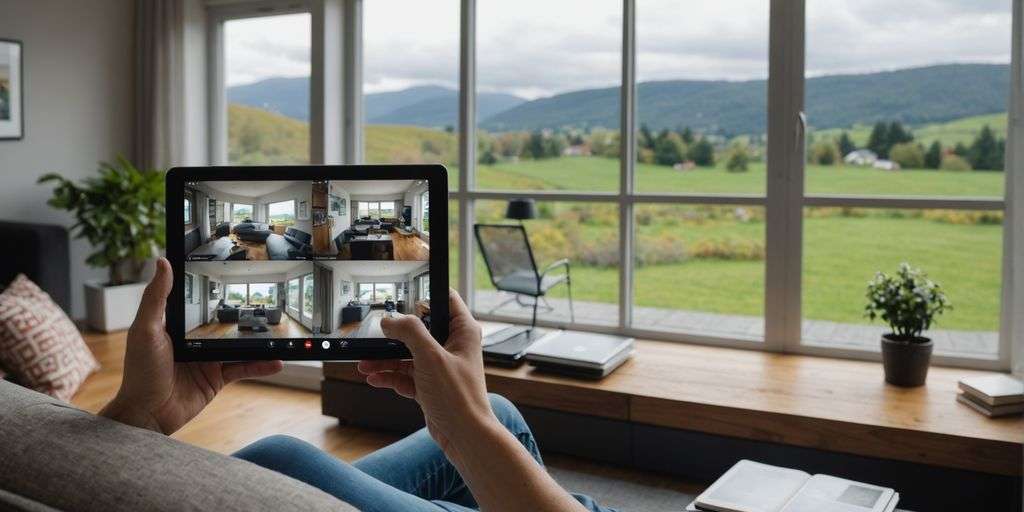
Setting Up Remote Access for Your CCTV
Choosing the Right Equipment and Software
To begin with, selecting the appropriate equipment and software is crucial. Invest in CCTV cameras and recorders that support remote viewing capabilities. Opt for IP cameras (Internet Protocol) as they offer real-time access to your CCTV feeds through a computer or mobile device. Ensure the software you choose is compatible with your devices and meets your security needs.
Step-by-Step Guide to Configuring IP Cameras
Setting up IP cameras for remote access can be straightforward. Follow these steps:
- Download and install the IP camera app on your smartphone or tablet.
- Open the app and follow the instructions to connect your CCTV IP cameras.
- Watch CCTV footage in real-time over Wi-Fi or through your data allowance.
Remember, the setup process may vary depending on the brand and model of your cameras. Always refer to the manufacturer’s instructions for specific guidance.
Ensuring Secure Connections
Security is paramount when setting up remote access for your CCTV. Here are some essential tips:
- Set strong, unique passwords for your cameras and remote access methods. Avoid using default passwords.
- Regularly update your cameras and router firmware to patch security vulnerabilities.
- Use encryption for remote access, such as HTTPS for web access or secure VPN protocols.
Ensuring secure connections not only protects your privacy but also enhances the reliability of your surveillance system.
By following these steps, you can set up a robust and secure remote access system for your CCTV, providing peace of mind and enhanced security.
Troubleshooting Common Issues
Identifying Common Setup Problems
When setting up remote access for your CCTV, you might face several common issues. One frequent problem is incorrect connection settings. Ensure all cable connections are secure. An IP camera typically uses an ethernet cable, while non-IP cameras may have separate power, video, and audio cables. Verify both ends of each cable to ensure they are connected correctly.
Another issue could be incompatible software. Regularly update both the CCTV system’s firmware and the remote access software. Check the manufacturer’s website for updates and release notes that cover known compatibility issues.
Quick Fixes for Connectivity Issues
If you experience difficulties connecting to the CCTV remotely, consider these quick fixes:
- Check for IP conflicts: Ensure each camera has a unique IP address. You can change it manually or use the DHCP server to assign a new one.
- Update your software: Always keep your mobile app, browser, and smartphone OS updated. Clear the cache and any temporary files that might be causing issues.
- Restart your devices: Sometimes, a simple restart of your router, camera, or viewing device can resolve connectivity issues.
When to Seek Professional Help
If you’ve tried troubleshooting and still face issues, it might be time to seek professional help. Companies like Security Guru specialise in advanced CCTV camera installations and offer post-installation support to ensure optimal performance. They can help you identify and resolve complex issues that might be beyond your expertise.
Regular maintenance, updates, and an organised approach to troubleshooting will give you reliable and effective CCTV surveillance and video footage with a good internet connection.
Maximising the Benefits of Remote CCTV Monitoring
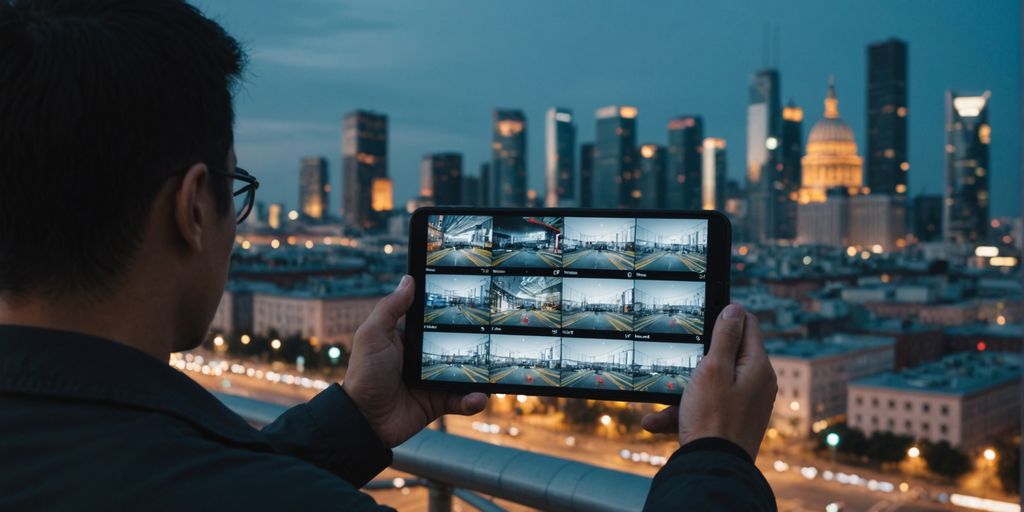
Cost-Effective Security Solutions
Remote CCTV monitoring can be a cost-effective way to enhance your security. By eliminating the need for on-site security personnel, you can save on operational costs. This centralised approach allows for more efficient and streamlined security management.
Flexibility and Convenience Across Devices
One of the key benefits of remote CCTV monitoring is flexibility. You can access your CCTV camera footage across multiple devices, whether it’s a desktop, tablet, or mobile phone. This offers convenience and adaptability to different situations, ensuring you can monitor your premises anytime, anywhere.
Enhancing Your Overall Security Strategy
Integrating remote CCTV monitoring into your security strategy can significantly enhance its effectiveness. It allows for constant surveillance of your business premises, including blind spots, regardless of your location. This heightened level of security serves as a deterrent to potential threats and ensures prompt action in case of suspicious activity.
Remote CCTV monitoring offers unparalleled peace of mind, knowing that your property is under constant surveillance, even when you’re not physically present.
Best Practises for Secure Remote Access
Setting Strong Passwords
One of the most crucial steps in securing your remote CCTV access is setting strong, unique passwords. Avoid using default passwords, as they are easily guessable. Instead, create complex passwords that combine letters, numbers, and special characters. Consider enabling two-factor authentication for an added layer of security.
Regularly Updating Firmware
Keeping your system’s firmware up-to-date is essential for maintaining security. Manufacturers often release updates to patch vulnerabilities and improve performance. Regularly check for updates and apply them promptly to ensure your system remains secure.
Using Encryption and VPNs
To protect the data transmitted between your devices and the CCTV system, use encryption methods such as HTTPS for web access. Additionally, employing a Virtual Private Network (VPN) can further secure your connection by encrypting all data traffic. This makes it much harder for unauthorised individuals to intercept your CCTV feed.
Regular system audits and user education on security best practises can significantly reduce the risk of unauthorised access and data breaches.
Conclusion
In conclusion, enabling remote access for your CCTV system is a game-changer for security and convenience. Whether you’re using a smartphone, tablet, or computer, you can keep an eye on your property from anywhere in the world. This flexibility not only enhances your security measures but also offers peace of mind, knowing that you can monitor your premises at any time. Setting up remote access might seem daunting at first, but with the right equipment and a bit of guidance, it becomes a straightforward task. So, take the leap and make your CCTV system accessible from anywhere – it’s a decision you won’t regret.
Frequently Asked Questions
How can I view my CCTV footage remotely?
You can view your CCTV footage remotely by using IP cameras and a compatible app on your smartphone, tablet, or computer. Follow the setup instructions provided with your camera and ensure you have a stable internet connection.
What should I do if my remote CCTV connection is not working?
If your remote CCTV connection is not working, first check your internet connection and ensure your camera is properly configured. Restart your devices and consult the user manual for troubleshooting steps. If the issue persists, seek help from a professional.
Is it safe to access my CCTV cameras remotely?
Yes, it is safe to access your CCTV cameras remotely if you follow best practises. Use strong passwords, regularly update your camera’s firmware, and consider using encryption methods like VPNs to enhance security.