Understanding Remote Viewing Technology
How Remote Viewing Works
Remote viewing technology uses the internet to link CCTV cameras to devices like smartphones, tablets, and computers. This lets users watch live streams or recorded footage from their cameras, no matter where they are. Remote viewing depends on networked cameras that send video data over the internet to a cloud server or directly to the user’s device. This allows for real-time monitoring and reviewing past footage.
Components of a Remote Viewing System
A complete remote viewing system includes:
- Network-enabled CCTV Cameras: These capture and send footage. Modern cameras can connect to home or business networks using Wi-Fi or Ethernet cables.
- Internet Connection: A stable internet connection is crucial for sending video data. The needed bandwidth depends on the number of cameras and video quality.
- Viewing Devices: Devices like smartphones, laptops, and tablets with internet access let users watch their CCTV feeds remotely.
- Cloud Storage/Server: Many setups use cloud storage to save video footage, which users can access remotely. Cloud servers also help with the remote viewing process by acting as go-betweens for the cameras and viewing devices.
Benefits of Remote Viewing
Remote viewing offers several advantages:
- Convenience: Monitor your property from anywhere, at any time.
- Real-Time Alerts: Get instant notifications for any unusual activity.
- Enhanced Security: Keep an eye on multiple locations without being physically present.
- Cost-Effective: Save on security personnel by using automated systems.
With remote viewing, you can ensure the safety and emotional well-being of your home or business, providing peace of mind in a dangerous environment.
Setting Up Your CCTV for Remote Access
Choosing the Right Cameras and Equipment
Selecting the appropriate cameras and equipment is the first step in setting up your CCTV for remote access. Prioritise cameras with high-definition video, night vision, and motion detection to ensure comprehensive surveillance. Additionally, make sure your networking gear, such as routers and modems, can handle the data load of streaming high-quality video.
Installation and Configuration
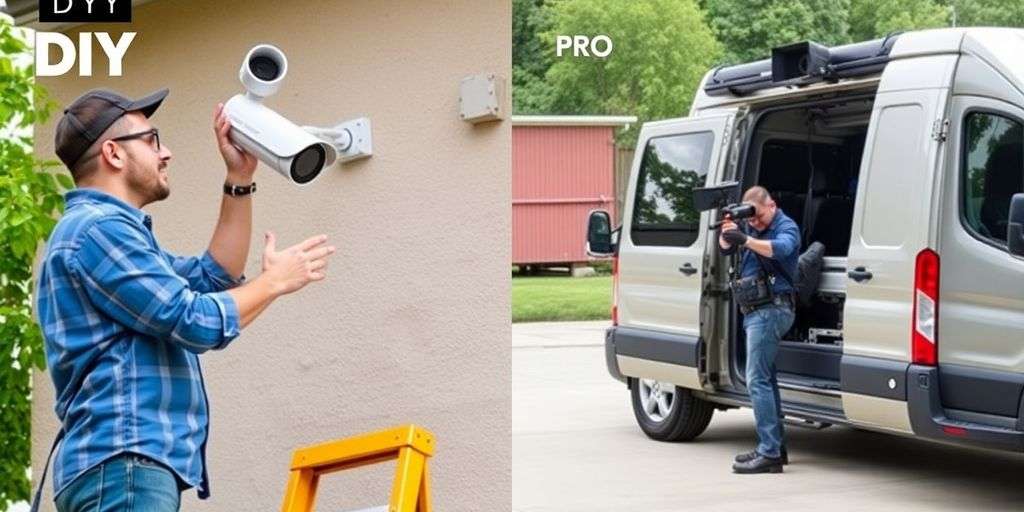
Proper installation and configuration are crucial for optimising your CCTV system for remote viewing. Follow these steps:
- Mounting Cameras: Place cameras strategically to cover key areas of your property, avoiding blind spots.
- Network Configuration: Connect your cameras to the network and configure settings like IP addresses, DNS, and port forwarding to enable remote access.
- Security Measures: Implement strong passwords, encryption, and, if available, two-factor authentication to protect your surveillance feed from unauthorised access.
Ensuring Secure Remote Access
Security is paramount when setting up remote access for your CCTV system. Here are some essential steps:
- Set strong, unique passwords for your cameras and remote access methods. Avoid using default passwords.
- Keep your cameras and router firmware up-to-date to patch security vulnerabilities.
- Enable encryption for remote access, such as HTTPS for web access or secure VPN protocols.
- Test remote access from a different network to ensure it’s working as expected. Use the mobile app or web browser, depending on your chosen method.
- Be mindful of privacy and security concerns. Avoid sharing login credentials with unauthorised individuals and regularly review access logs for unusual activity.
Setting up your CCTV for remote access not only enhances your security but also offers the convenience of monitoring your property from anywhere. By following these steps, you can ensure a reliable and secure surveillance system.
Accessing Your CCTV Footage on Different Devices
Using Smartphones and Tablets
One of the most convenient ways to access your CCTV footage is through smartphones and tablets. Many security camera manufacturers offer mobile apps for both iOS and Android devices. Simply download the app from the respective app store, follow the setup instructions, and you can view your camera feeds in real-time. This flexibility allows you to monitor your property from anywhere, at any time. Additionally, these apps often come with features like push notifications and motion detection alerts, enhancing your security setup.
Viewing on Computers and Laptops
For those who prefer a larger screen, accessing CCTV footage on computers and laptops is a viable option. Most cameras have a web-based interface that allows you to log in and view your feeds through a web browser. This method is straightforward and does not require any special software. Alternatively, you can use remote desktop software to access a computer where your CCTV viewer software is installed. This can be particularly useful if you need to manage multiple cameras or review recorded footage.
Utilising Smart TVs and Other Devices
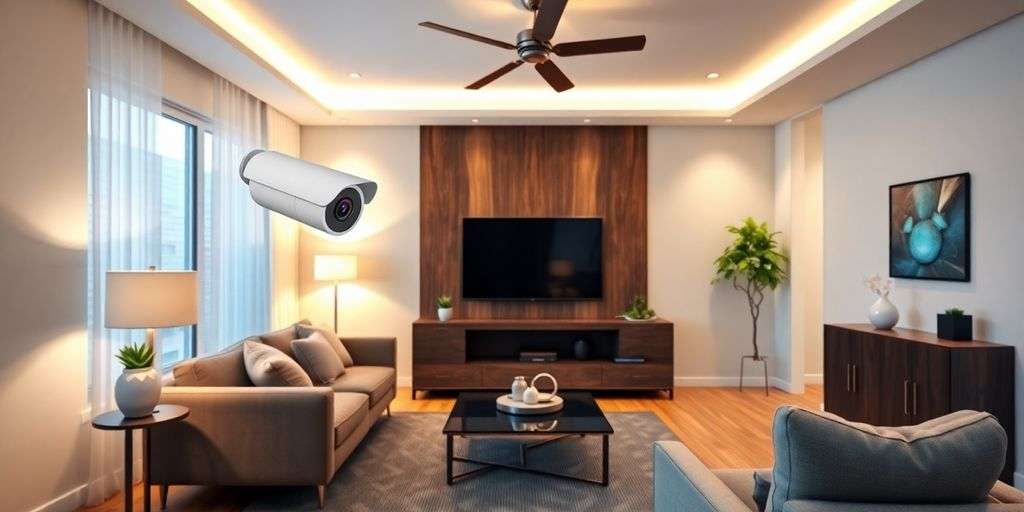
Smart TVs and other devices like Amazon Fire Stick or Google Chromecast can also be used to view your CCTV footage. By installing compatible apps or using built-in web browsers, you can easily access your camera feeds on a larger screen. This is especially useful for real-time monitoring in a central location, such as a living room or office. Some systems even allow you to integrate your CCTV feeds with home automation systems, providing a seamless and efficient security solution.
Enhancing Security with Remote Viewing
Real-Time Monitoring and Alerts
Remote viewing technology allows you to keep an eye on your property in real time. This means you can get instant alerts if something unusual happens, like motion detection or a security breach. Immediate notifications help you respond quickly to potential threats, adding an extra layer of security.
Strategic Camera Placement
To make the most of remote viewing, it’s important to place your cameras in the right spots. Cameras should cover entry points, busy areas, and any vulnerable spots. This ensures you have a comprehensive view of your property, making it easier to spot any suspicious activity.
Addressing Privacy and Security Concerns
When using remote viewing, it’s crucial to keep your CCTV feed secure. Here are some tips:
- Use strong passwords and change default ones.
- Enable two-factor authentication if possible.
- Use a secure connection, like a VPN, to encrypt data.
- Regularly update your system’s software to fix any vulnerabilities.
By following these steps, you can enjoy the benefits of remote viewing while keeping your footage safe and private.
Security guru specialises in advanced CCTV camera installations, ensuring your system is both effective and secure.
Conclusion
In today’s fast-paced world, the ability to view your CCTV footage remotely offers unmatched convenience and peace of mind. Whether you’re at work, on holiday, or simply away from home, you can keep an eye on your property with just a few taps on your smartphone or clicks on your computer. By choosing the right equipment and ensuring a secure setup, you can make the most of this technology. As we move forward, advancements in remote viewing will continue to enhance our security measures, making it easier and more efficient to monitor our surroundings. So, embrace this technology and enjoy the confidence that comes with knowing you can see it all, anywhere.
Frequently Asked Questions
Can I use my old CCTV system with new remote viewing technology?
Yes, you can. By using network video recorders (NVRs), you can connect your old analogue cameras to the internet.
How can I keep my remote CCTV footage secure?
To keep your footage secure, use encryption, follow secure network practises, and choose trusted devices and software known for their security features.
Do I need to pay subscription fees for remote viewing services?
It depends on the provider. Some cloud storage options might require a subscription, but other systems offer basic remote viewing for free.